


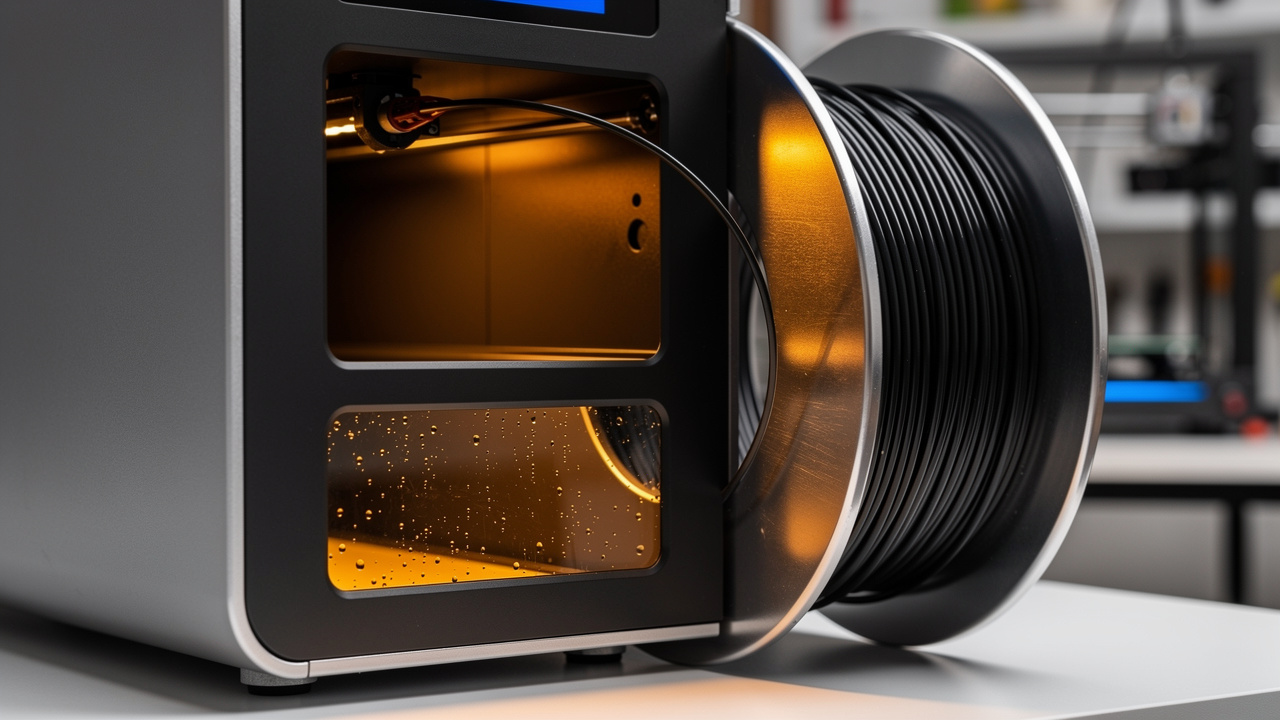
Your prints keep popping, stringing, or turning rough no matter how many slicer settings you adjust. The real cause might not be your printer at all.
It could be wet filament sitting in your spool holder right now.
Nearly every type of filament pulls moisture from the air over time. Once that happens, print quality drops fast. Nozzle temperature tweaks won’t fix it, because the problem lives inside the plastic itself.
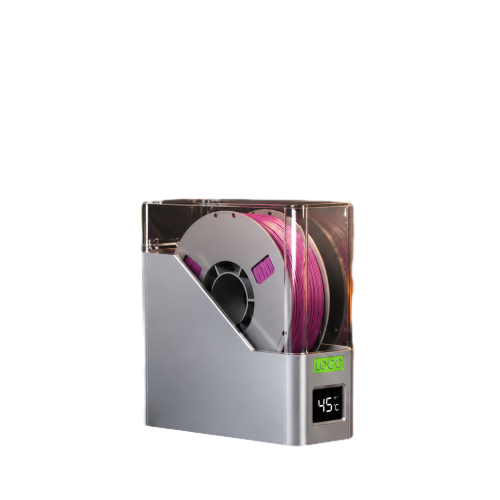
A 3D printer filament dryer is a device that actively removes that trapped moisture, bringing filament back to a dry, printable state. This guide covers why filament gets wet, how to spot the warning signs, and how drying needs differ across PLA, PETG, TPU, and nylon. We’ll also look at what separates a genuinely useful dryer from one that just sits on a shelf.
Here’s what causes wet filament, and how to deal with it.
Key Takeaways
Most filaments are hygroscopic, meaning they absorb moisture from the air over weeks or months of exposure.
Wet filament causes popping sounds, surface bubbling, stringing, and weaker layer bonds.
A dry box slows down moisture buildup, but only an active dryer actually removes existing moisture.
Drying temperature and time depend heavily on the material, with nylon needing far more heat and time than PLA.
Proper storage after drying keeps filament print-ready for weeks instead of days.
Why Does 3D Printer Filament Get Wet?
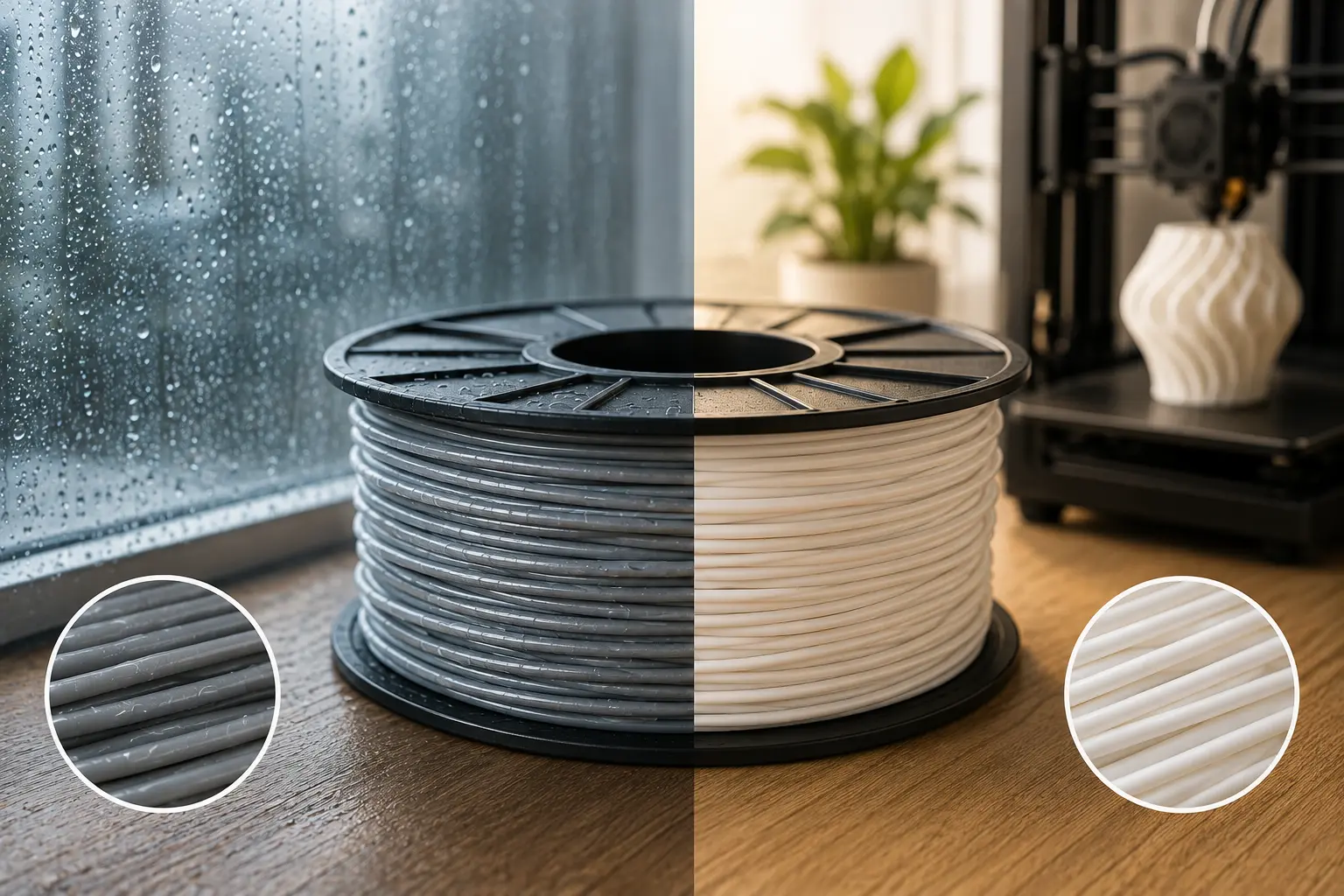
Filament gets wet because most 3D printing materials are hygroscopic. That means they draw water vapor directly out of the surrounding air.
This happens slowly, whether a spool sits on an open shelf, inside a garage, or loaded on a printer overnight without a cover.
The rate of moisture pickup depends heavily on where the filament lives.
A workshop with 50-70% relative humidity will load up a spool with water far faster than a room sitting near 30% humidity.
Rainy seasons make things worse, since indoor humidity often spikes even in rooms with air conditioning.
Unventilated storage closets and basements are common trouble spots, since stagnant, damp air has nowhere to go.
Opening a vacuum-sealed bag also starts the clock. Filament that shipped through a humid port or sat in a warehouse for months can already carry some moisture before you even open the packaging.
Once exposed to open air, absorption continues gradually until the spool reaches equilibrium with the room around it.
How Different Materials Absorb Moisture
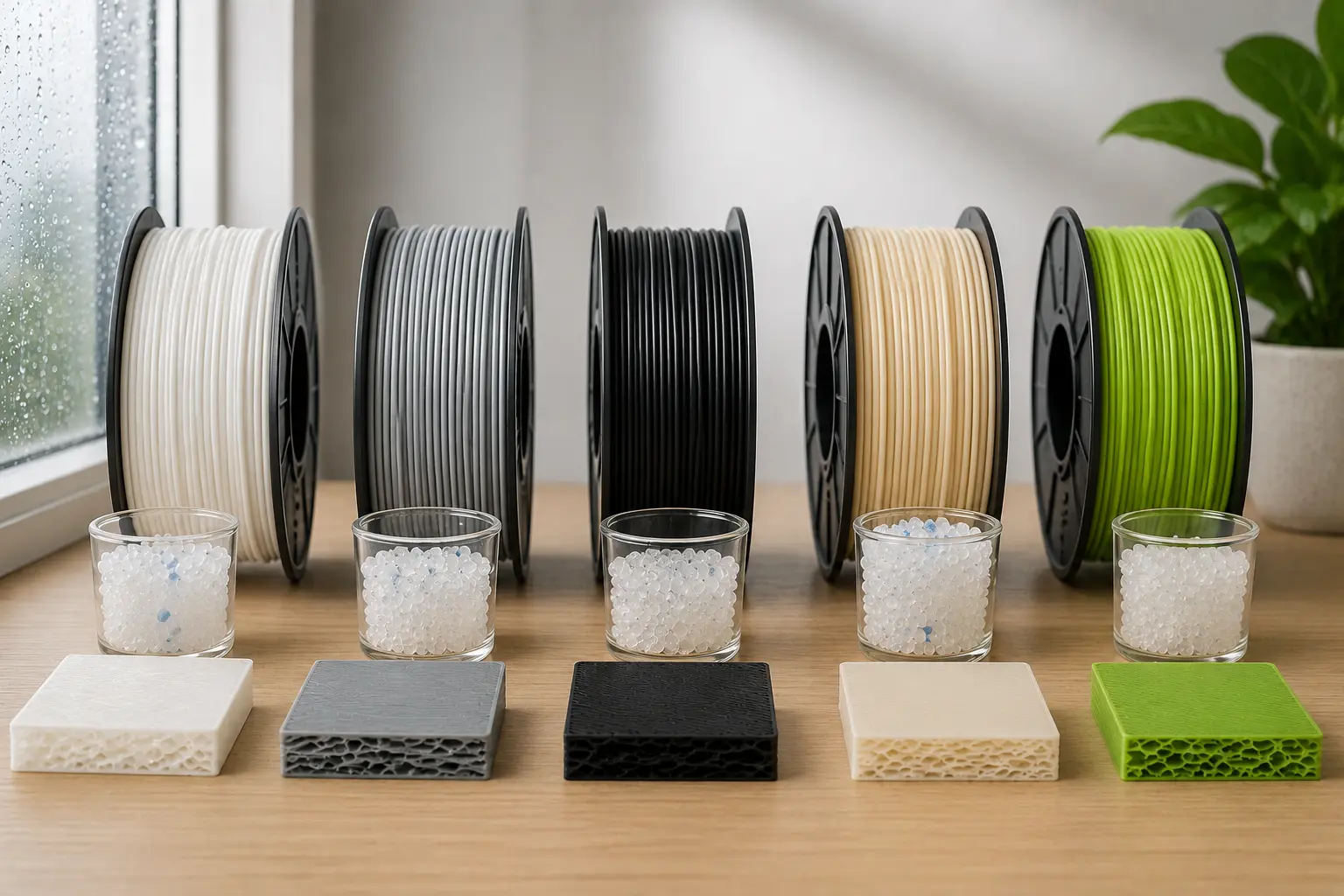
Not every filament reacts to humidity the same way. Knowing your material’s behavior helps you prioritize drying effort.
Nylon sits at the extreme end of the spectrum. It absorbs moisture so aggressively that many users print it straight from a dryer instead of storing it in a regular box first.
PETG is trickier because it varies by brand. Some formulations tolerate a night on the open bench without issue, while others start foaming or bubbling after just a few hours of exposure.
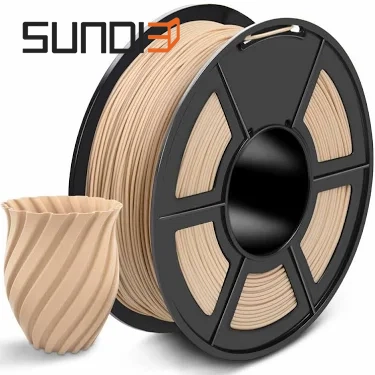
PLA is generally the most forgiving standard filament. Filled versions like carbon fiber or wood-fiber PLA can behave less predictably, though.
TPU falls somewhere in the middle. It picks up moisture steadily but needs gentler drying heat than rigid engineering plastics.
Polycarbonate and nylon composites round things out. They typically demand higher drying temperatures and longer cycles than everyday materials.
How Do You Know If Your Filament Is Wet?
You can usually tell filament is wet by watching and listening to it print. Moisture creates specific, repeatable defects during extrusion.
These symptoms often get blamed on nozzle temperature or slicer settings, when the real fix is simply drying the spool.
The good news is that wet filament leaves fairly obvious clues once you know what to look for. A print that suddenly turns rough, weak, or noisy after months of good results is a strong signal that moisture, not your printer, is the problem.
Common Signs of Moisture Damage
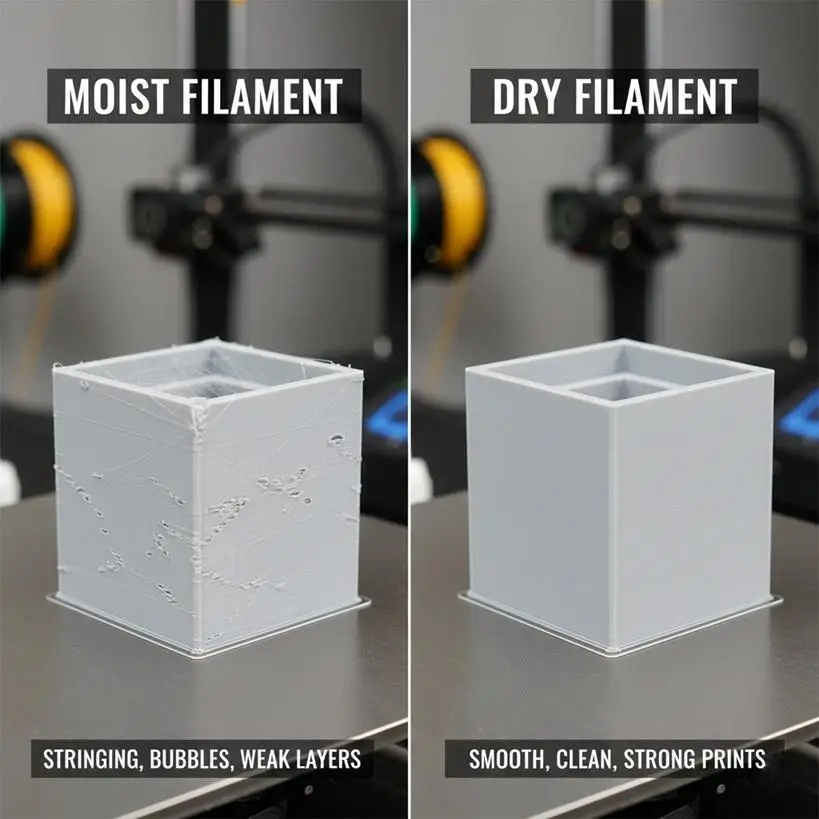
Watching for these patterns can save hours of troubleshooting the wrong settings.
Popping or crackling sounds coming from the hot end while printing, caused by trapped water flashing into steam inside the nozzle.
Bubbling, foaming, or stringy webbing on the surface of an otherwise normal print, especially noticeable on PETG.
Rough, matte, or pitted surface finish where you’d normally expect a smooth, glossy layer.
Stringing, oozing, and inconsistent extrusion that seems to appear out of nowhere between prints.
Filament that snaps or turns brittle with almost no bending, which is especially common with wet nylon.
Warping or dimensional inaccuracy that doesn’t match your usual print settings or cooling setup.
Filament Dryer vs. Dry Box: What’s the Difference?
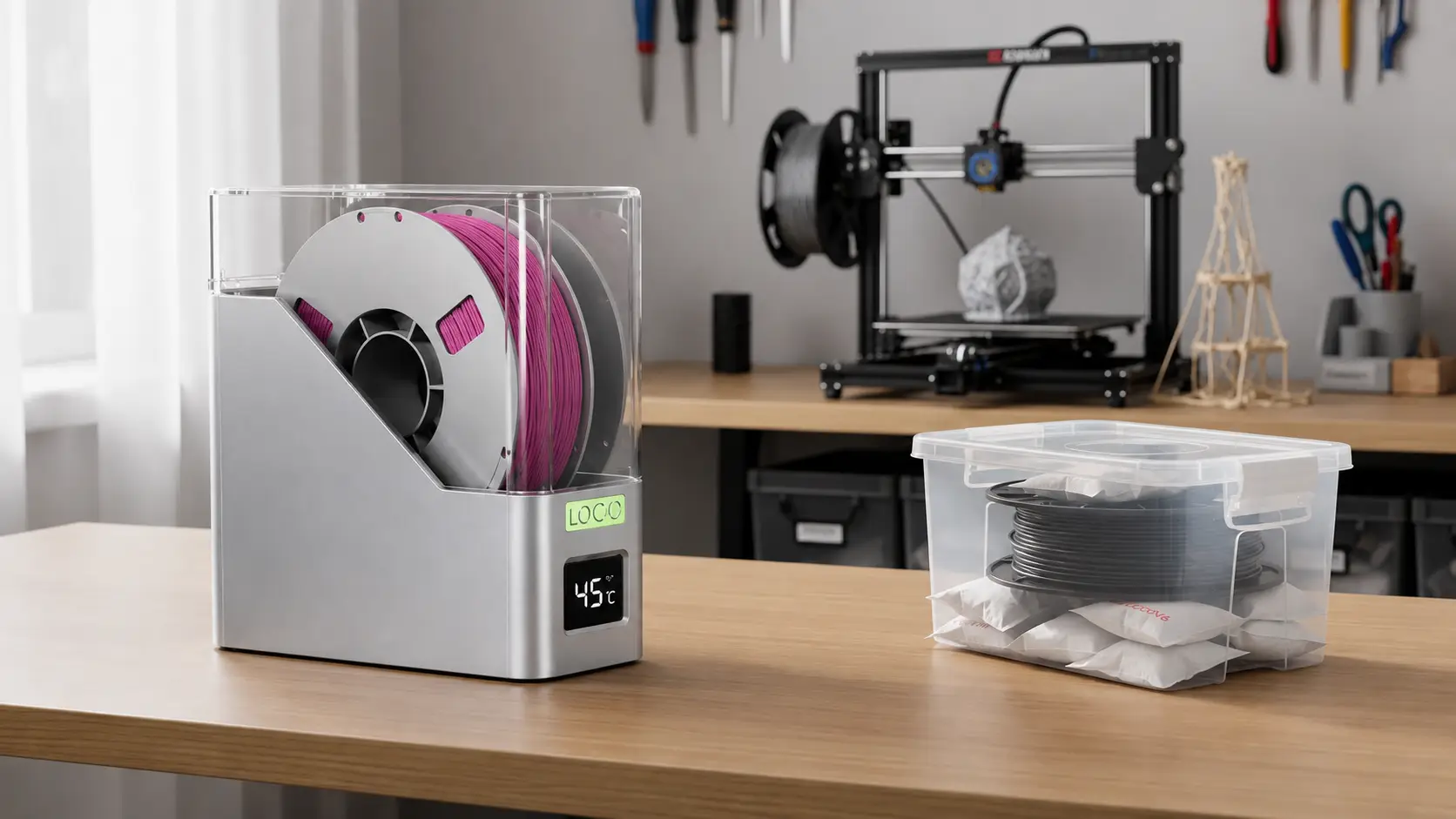
A filament dryer actively pulls moisture out of your filament using heat. A dry box only slows down how fast new moisture gets back in.
This distinction trips up a lot of newer printers, since both devices look similar and get talked about in the same conversations.
A dry box, including sealed containers with desiccant packs or storage bays built into multi-material systems, works passively. It does a decent job of protecting filament that’s already dry, but it cannot pull existing moisture back out of the plastic.
Community feedback consistently backs this up.
Dropping an already-damp spool into a dry box, even one loaded with fresh silica gel, doesn’t dry it out. It just raises the humidity for every other spool in there too.
The better approach is to dry the filament first using a heated dryer, then transfer it into a sealed dry box for storage between print jobs.
How to Dry 3D Printer Filament the Right Way
Drying filament correctly means matching heat and time to the specific material. A setting that works for PLA can under-dry nylon or over-soften TPU.
Getting this right is the difference between a spool that prints cleanly and one that keeps causing mystery defects.
Most active dryers use a heating element, sometimes paired with a fan, to raise filament temperature just enough for absorbed water to evaporate out of the plastic, a process examined in research on pre-drying effects on PLA microstructure and porosity in 3D printed parts. The key is staying within a safe range for that material, long enough to fully dry it without softening the spool itself.
Recommended Drying Temperatures and Times by Material
Use manufacturer guidance as your first reference, since formulations vary between brands even for the same material type.
| Material | Drying Temperature | Drying Time |
|---|---|---|
| PLA | 45-50°C | 4-6 hours |
| PETG | 55-65°C | 4-6 hours |
| TPU | 45-50°C | 4-6 hours |
| Nylon | 70-80°C | 8-12+ hours |
Filled and composite filaments, like carbon-fiber PLA or glass-filled nylon, sometimes need adjusted settings compared to their base material, and ongoing work on mechatronic humidification control systems for fibers illustrates just how sensitive material properties are to controlled moisture exposure. When in doubt, start on the lower end of the range and extend drying time before raising temperature.
Tips for Getting Consistent Drying Results
A few habits make drying results far more reliable, beyond just picking the right temperature.
Dry filament even straight out of a sealed bag if it’s been sitting in a warehouse or shipping container for a long stretch, since packaging isn’t always airtight forever.
Manually vent your dryer if it lacks an exhaust fan, by cracking the lid slightly during the cycle so extracted moisture actually leaves instead of recondensing inside.
Print highly hygroscopic materials like nylon directly from the dryer whenever your setup allows it, since even a few hours of open-air exposure can undo the drying work.
Check your dryer’s real internal temperature with an external thermometer if it only has a dial with generic labels, since some budget units run several degrees off from what’s printed on the knob.
Introducing the HD100 3D Printer Filament Dryer
Good drying starts with good filament. Material quality matters just as much as the dryer itself.
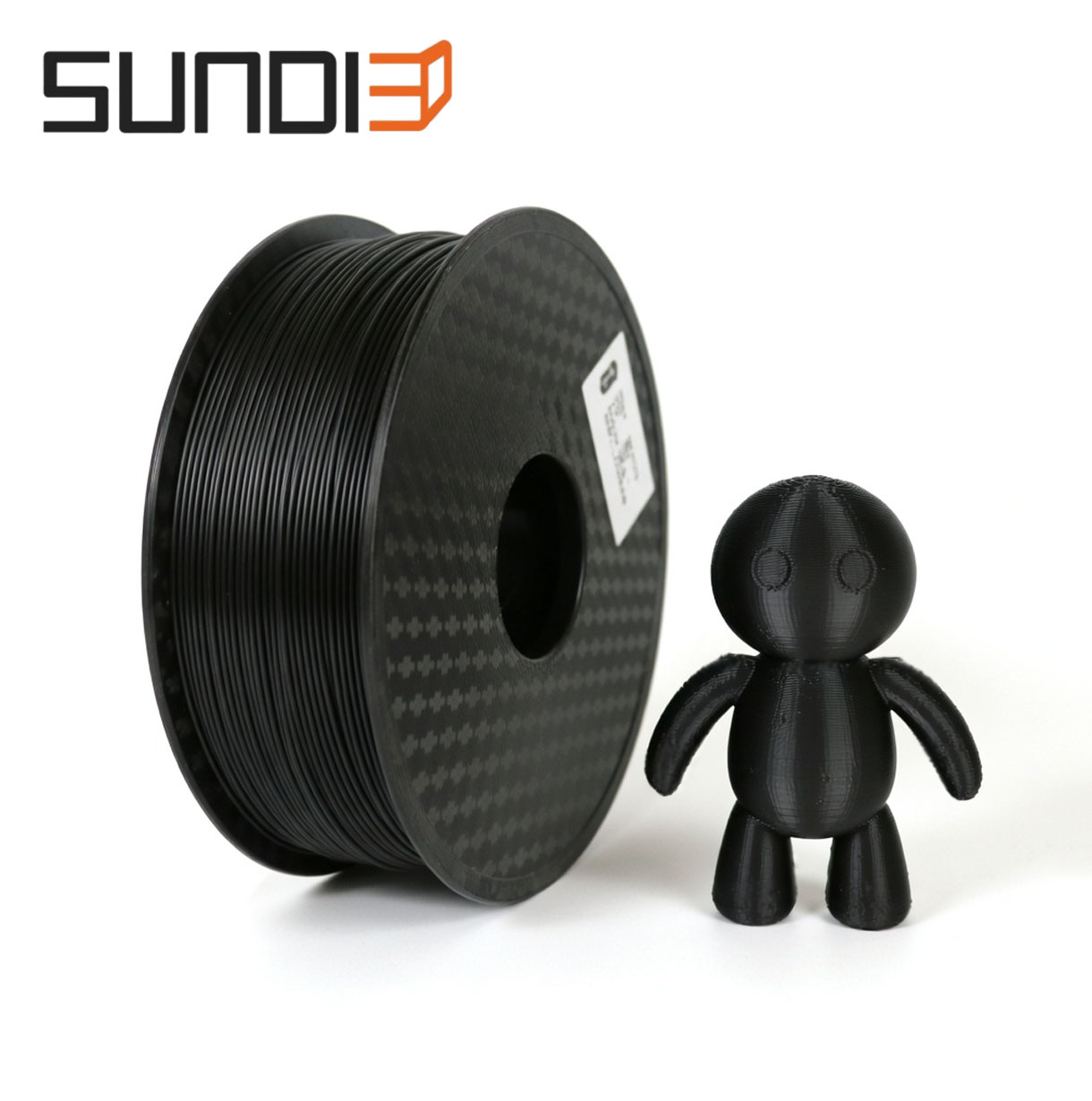
Sundi3D produces a wide range of moisture-sensitive materials, including PLA, PETG, ABS, ASA, nylon, and TPU. Understanding how each one handles humidity is part of daily production, not an afterthought.
The HD100 3D printer filament dryer is built around that same idea, giving users a straightforward way to dry filament suited to their local climate and print setup.
Pairing the right material with consistent drying and storage habits, plus factory-direct delivery that limits time spent sitting in humid warehouses, gives filament a better shot at staying print-ready from the moment it arrives.
How Should You Store Filament to Keep It Dry?
Filament stays dry longest when it’s sealed away from ambient air right after drying, paired with something that actively absorbs any moisture that sneaks in. Storage is really the second half of the drying process, not a separate step you can skip.
Regional humidity plays a big role in how aggressive your storage needs to be, since long-term gridded global monthly humidity data confirm that ambient moisture levels vary sharply between coastal and inland regions, meaning someone printing in a coastal or humid climate will need tighter seals and more frequent drying cycles than someone in a dry inland region.
Best Practices for Long-Term Filament Storage
A few consistent habits keep dried filament dry for weeks instead of days.
Store dried spools in sealed containers or bins along with fresh desiccant, such as silica gel packs, to soak up any residual moisture in the air around them.
Refresh or reactivate desiccant regularly, since silica gel and similar products lose their absorbing power over time and need periodic replacement or oven reactivation.
Expect to dry and reseal filament more often in humid climates (50-70% relative humidity) compared to drier regions sitting closer to 30%.
Consider a dedicated dry cabinet or larger storage box if you’re managing more than a handful of spools, especially for makerspaces or small production setups.
The Bottom Line
Moisture is one of the most common causes of bad prints, but it’s also one of the easiest to fix once you know what to look for.
Matching drying temperature and time to your material, then storing filament properly afterward, clears up most of the popping, stringing, and rough surfaces that get blamed on everything else.
Paying attention to material choice and handling from the moment a spool arrives makes the biggest difference long term. Sundi3D’s filament range and technical support are there if you run into material-specific questions along the way, whether you’re drying your first spool of nylon or troubleshooting a batch of PETG.
Frequently Asked Questions
Question: How long does it take to dry 3D printer filament?
Most filaments take around 4 to 6 hours to dry properly, including PLA, PETG, and TPU. Nylon needs significantly longer, often 8 to 12 hours or more, due to how aggressively it absorbs moisture. Larger or thicker spools may need extra time compared to smaller ones under the same settings.
Question: Can you over-dry filament?
Yes, running filament at too high a temperature or for too long can degrade some materials or soften the spool itself. Staying within manufacturer-recommended temperature ranges avoids this risk. Over-drying is less common than under-drying, but it’s still worth watching cycle times rather than leaving filament in indefinitely.
Question: Do I need a filament dryer if I live in a dry climate?
Possibly not for moisture-tolerant materials, but it depends on what you print. Filaments like PLA or certain PETG blends may hold up fine longer in dry air near 30% humidity. Nylon and other highly hygroscopic materials still need regular drying regardless of your local climate.
Question: Can I use an oven or food dehydrator instead of a filament dryer?
Many hobbyists use food dehydrators as a lower-cost option, and it can work reasonably well. The main downside is less precise temperature control and uneven heating compared to a purpose-built 3D printer filament dryer. Home ovens carry similar risks, plus they often lack low enough temperature settings for delicate filaments.
Question: How do I know when filament has finished drying?
The clearest sign is a test print that comes out smooth, quiet, and free of the popping or bubbling seen with wet filament. A hygrometer inside your dryer or storage box also gives a direct humidity reading. If problems persist after a full drying cycle, the spool may need additional time.
Question: Does vacuum-sealed filament still need drying?
Yes, sealed packaging isn’t a guarantee against moisture, especially after long shipping or storage periods. Filament can pick up humidity before the bag is even sealed or through small packaging imperfections. A short drying cycle after opening a new spool is a smart habit rather than an unnecessary extra step.
