


The short version
PLA is the easiest filament to start with. It prints at 190–220 °C, warps far less than ABS, and usually costs less per spool than the alternatives.
It also softens around 60 °C, absorbs moisture from the air, and still releases ultrafine particles while it prints. This page tells you which of those facts actually changes what you should buy or how you should print — and points to the detailed guide for each one.
Do these questions sound familiar?
- “What is PLA made of?What actually is PLA?”
- “Why does every beginner guide say to start with it?”
- “Does it give off fumes if I print in my bedroom?”
- “My first spool printed fine for a month, then started popping and stringing. What happened?”
If you recognised two or more of those, the problem probably isn’t a shortage of information. It’s that the answers are scattered across forum threads, product pages and short videos, and none of them is organised around the decision you’re actually making: what do I buy, and what do I need to watch out for?
That’s what a hub page is for. Each section below answers one question in short form and links to the long form.
What is PLA?
PLA stands for polylactic acid. It’s made by fermenting plant sugars — usually corn or sugarcane — into lactic acid, then linking those molecules into a plastic. That origin is why it gets called a bioplastic.
Two practical consequences follow from the chemistry, and both matter more than the sustainability label:
- It softens with heat. Around 60 °C / 140 °F. A PLA print left on a car dashboard can droop or warp.
- “Plant-based” is not “disappears in your garden.” PLA needs industrial composting conditions — roughly 58 °C with controlled moisture and microbes — to break down in a useful timeframe. In landfill or water it behaves much like ordinary plastic.
The material itself, plus what to do with failed prints, supports and empty spools, is covered in What is PLA — a simple answer, and what to do with the leftover bits.
Why beginners are told to start with PLA
Four reasons. All of them are practical.
It prints cooler. 190–220 °C at the nozzle. ABS typically wants 240–260 °C. A lower temperature means less thermal stress on the hotend and more consistent extrusion.
It warps less. PLA shrinks little as it cools, so parts are far less likely to curl off the plate. A bed at 45–60 °C is enough, and on many printers PLA prints on a bare textured plate with no enclosure at all.
It smells less. PLA’s main emission is lactide, which produces only a faint, slightly sweet smell at typical printing concentrations. ABS releases styrene, a recognised hazardous air pollutant. “Less” is not “none” — see the safety section below.
Mistakes are cheap. A failed print on an inexpensive spool costs you a few grams of material and some time. Learning the fundamentals on PLA means you’re not learning them on a spool that costs several times as much.
For the full comparison against ABS, PETG and TPU — including where each one wins — we keep that on a separate page: PLA vs ABS vs PETG: where PLA actually wins, and where it doesn’t.
Typical printing parameters
| PLA | PETG | ABS | TPU | |
|---|---|---|---|---|
| Nozzle temperature | 190–220 °C | 230–250 °C | 240–260 °C | 210–240 °C |
| Heated bed | 45–60 °C (often optional) | 70–85 °C | 90–110 °C | 30–60 °C |
| Enclosure | not required | not required (but draughts hurt) | recommended | not required |
| Warping tendency | low | moderate | high | low |
| Softening / heat resistance | ~60 °C | ~70 °C | ~95–105 °C | ~50–70 °C |
| Impact toughness | low | moderate to high | moderate to high | high (flexible) |
| Typical use | models, prototypes, teaching | functional parts, mild outdoor use | hot environments, automotive trim | grips, gaskets, wearables |
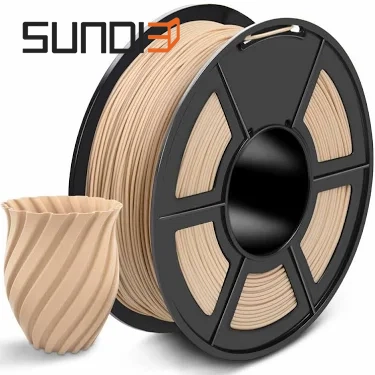
These are typical published ranges, not promises about a specific spool. Formulations vary by brand and by additive — matte, silk, carbon-fibre and wood-filled PLA all behave a little differently. Your spool label and printer manual win.
Is PLA safe to print at home?
Short answer: it’s the lowest-risk common filament, and it is not risk-free.
Three things are worth separating, because they get mixed together online:
1. Solid PLA is chemically inert. Unmelted, sitting on a spool, it’s stable and you can handle it indefinitely. The polylactic acid polymer has a long safety record, including use in medical applications.
2. Heat changes the picture. Melting any fused-deposition filament — PLA included — releases ultrafine particles, generally defined as smaller than 100 nanometres. PLA emits far fewer volatile organic compounds than ABS, but “low-VOC” is not “emission-free.” The topic is often argued with more certainty than the data supports.
3. Particles, not gases, are where the open questions are. VOC levels measured around desktop PLA printing are consistently low. Ultrafine particles are the part with thinner long-term exposure data, which is simply because nobody has decades of measurements yet.
What that means in practice, in order of effect:
- Ventilate. Move air through the room. Peer-reviewed work on makerspace ventilation found that ventilation efficiency directly determines how quickly ultrafine particles are cleared — so airflow is a real control, not a folk remedy.
- Don’t sleep next to the printer. Printing overnight in a bedroom is the single most common setup we’d change.
- Give children, and anyone with asthma or another respiratory condition, more distance and more ventilation — not less.
- Filter or exhaust if you print frequently or run several machines.
Emission profiles, at-risk groups, food-contact questions and a practical controls checklist are covered in depth in 3D printer health and safety: emissions, risks and practical controls.
The two failures that catch beginners
Heat, in service
The same property that makes PLA print nicely — it softens around 60 °C — limits where the finished part can live. A phone stand on a windowsill in summer, a bracket in a car, a part next to a heated bed: all fair candidates for deformation. If a part will see sustained heat, plan the material around that from the start rather than reprinting later.
Moisture, in storage
PLA is hygroscopic. It pulls water vapour out of the air, slowly, whether the spool sits on an open shelf or loaded on the printer overnight without a cover. Humidity is the variable that decides how fast: a workshop at 50–70% relative humidity loads a spool up far faster than a room near 30%.
Wet filament produces a specific, recognisable set of defects:
- popping or crackling sounds during extrusion
- a rough, bubbly surface finish
- stringing that slicer retraction settings can’t tune away
- weak layer bonding, and parts that snap along layer lines
The tell is timing. If a spool printed well for weeks and then quality dropped, suspect moisture before you touch a single slicer setting. We cover the warning signs, the material-by-material drying temperatures and how to store spools afterwards in how to tell your filament is wet, and how to dry it properly.
When PLA is the wrong choice
We’d rather say this than sell you the wrong spool.
Choose something else if the part needs to:
- live in a hot car, on a dashboard, or outdoors in direct sun (heat resistance above PLA’s ~60 °C)
- take impact, repeated flexing, or real load-bearing stress (PLA is the least tough of the common filaments)
- hold up to sustained heat in service — near a heated bed, an enclosure, or a hot appliance
For those, move up to PETG (tougher, roughly 70 °C, still printable without an enclosure) or ABS/ASA (higher heat resistance, but they need an enclosure and better ventilation).
PLA is a starting point, not a universal answer. Most beginners print models, prototypes, jigs and teaching projects — and for that, it’s the sensible default.
FAQ
Is PLA filament toxic? In solid form, no — the polymer is inert and stable. Heated, it emits fewer VOCs than ABS but still releases ultrafine particles during printing. Treat the risk as low rather than zero: ventilate the room, don’t print overnight in a bedroom, and take extra care with children and anyone with a respiratory condition.
What temperature should I print PLA at? 190–220 °C at the nozzle and 45–60 °C on the bed covers most PLA. Start at 205 °C / 55 °C, then adjust in 5 °C steps: higher if layer bonding looks weak, lower if you see stringing or stringy wisps. Matte, silk and fibre-filled blends often want slightly different values — check the spool label.
Can PLA prints survive in a hot car? Usually not. PLA softens around 60 °C, and a car interior in summer sun passes that. Use PETG or ABS/ASA for anything that lives in a vehicle.
How do I know if my PLA is wet? Popping or crackling during extrusion, a rough bubbly surface, persistent stringing, and parts that snap along layer lines. The clearest signal is a sudden quality drop after a spool has been open for weeks — dry the spool before adjusting slicer settings.
PLA or PETG for a first spool? PLA, unless the parts need heat resistance or impact strength. PLA is more forgiving, warps less and costs less to learn on. PETG is tougher and more heat-resistant, but it strings more and sticks to the plate aggressively — a harder first experience.
Does PLA need a heated bed? Not always. Many printers handle PLA on a bare textured plate; if you use a bed, 45–60 °C is enough. A heated bed helps mainly with first-layer adhesion on larger flat parts.
Your next step
If you’re buying your first spool, three things decide whether it works out:
- Match the diameter to your printer. 1.75 mm on most desktop machines; 2.85 mm on some older and industrial models. Check before ordering — this is the most common first-purchase mistake.
- Start with one basic colour and learn on it before buying a shelf of silk and matte variants.
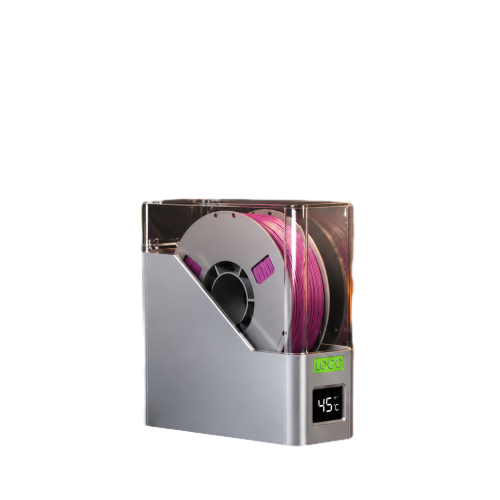
- Store it sealed with desiccant, and dry it if quality drops rather than rebuilding your slicer profile.
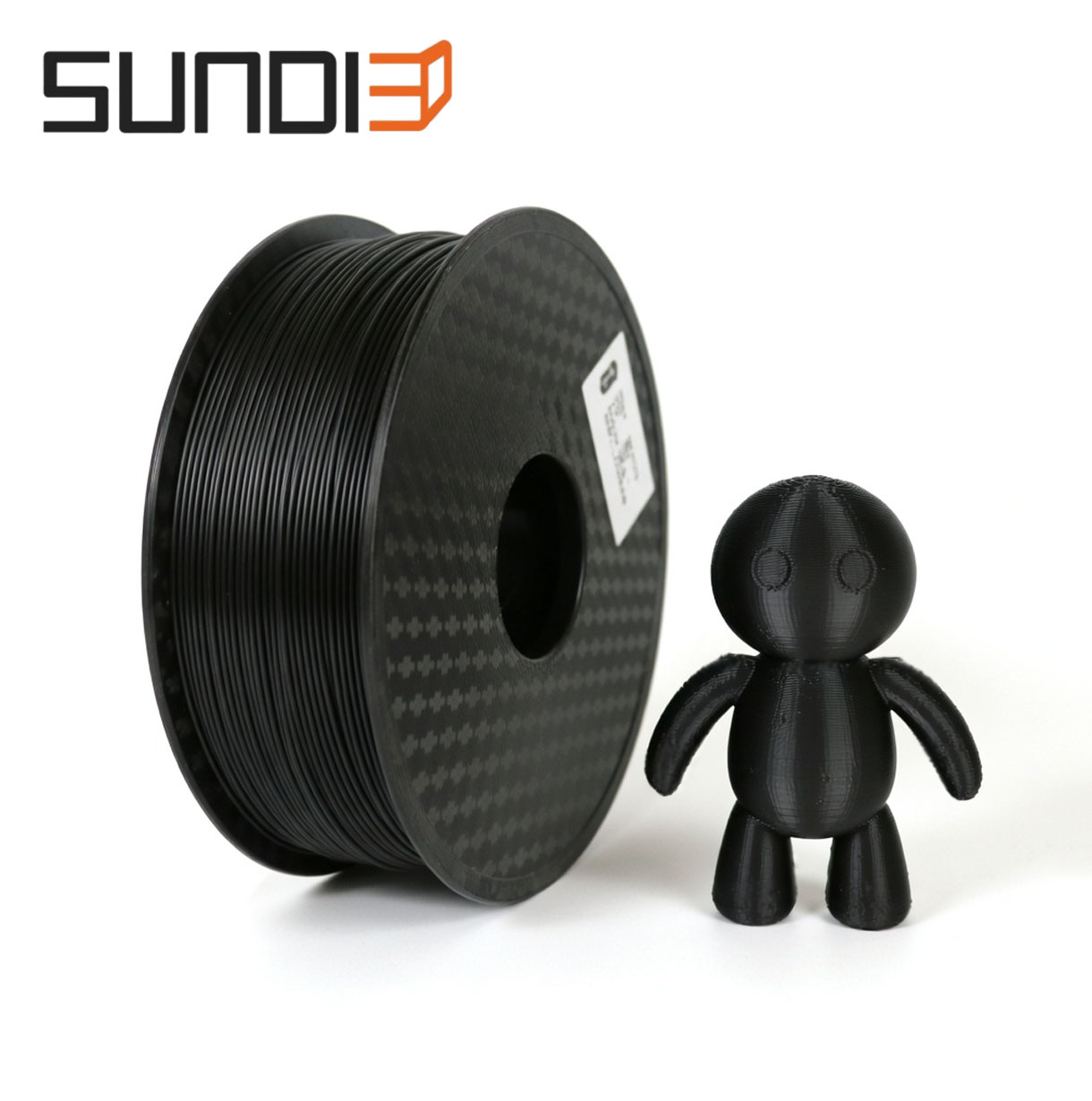
Compare SunDi3D PLA filament — diameter, tolerance, colours and spool sizes
If you’d rather understand the material before spending anything, start with the PLA basics guide linked above. Either order works; the important thing is to know what you’re buying before the printer is loaded and waiting.
Sources
- Prusa Research — PLA, Prusa Knowledge Base (manufacturer printing parameters and material notes): https://help.prusa3d.com/article/pla_2062
- Simplify3D — Ultimate 3D Printing Material Properties Table (comparative mechanical and thermal properties): https://www.simplify3d.com/resources/materials-guide/properties-table/
- Comparative analysis of ventilation efficiency on ultrafine particle removal in university MakerSpaces, Atmospheric Environment, 2020 — DOI: https://doi.org/10.1016/j.atmosenv.2020.117321
- Volatile organic compound and particulate emissions from the production and use of thermoplastic biocomposite 3D printing filaments, Journal of Occupational and Environmental Hygiene, 2022 (open access) — DOI: https://doi.org/10.1080/15459624.2022.2063879
